Mobile Forms Software
Smart Digital Forms That Field Engineers Love.
- Complete digital forms offline on mobile
- Smart fields and conditional logic
- Syncs in real time with the office
Mobile forms software turns paper checklists, inspections and job documents into digital forms engineers complete on a phone or tablet. The record then stays with the job.
- Easy to set up and manage.
- Built for trades and services.
- No card required. Cancel anytime.
Digital Forms Built for the Field
Mobile forms software gives engineers a simple way to complete digital forms on site: safety checklists, service reports, inspection sheets and more.
No clipboards and no lost paperwork. Fill the form, add photos and signatures, and move on to the next job.
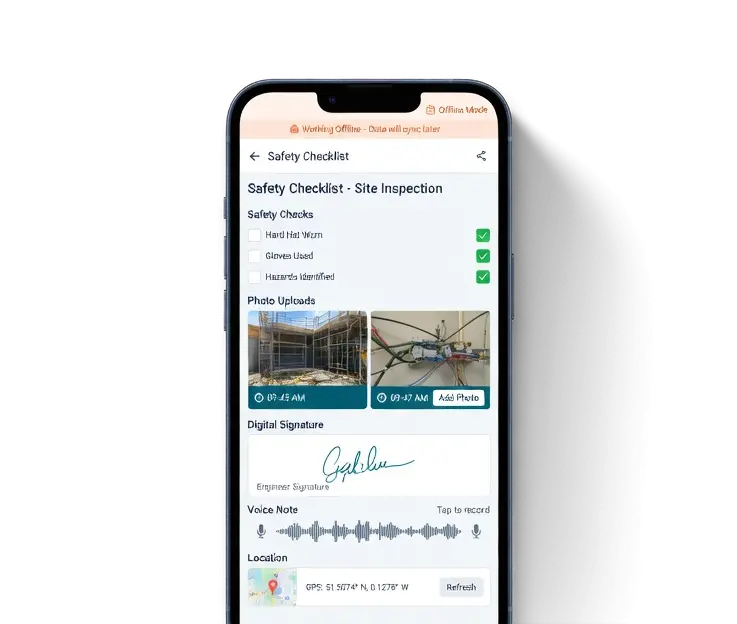
What Mobile Forms Software Handles
Forms on the Phone
Engineers complete the form against the job instead of a paper pack in the van.
Smart Fields
Conditional logic, mandatory fields, calculations and dropdowns. Questions show or hide based on the answers given.
Offline Then Sync
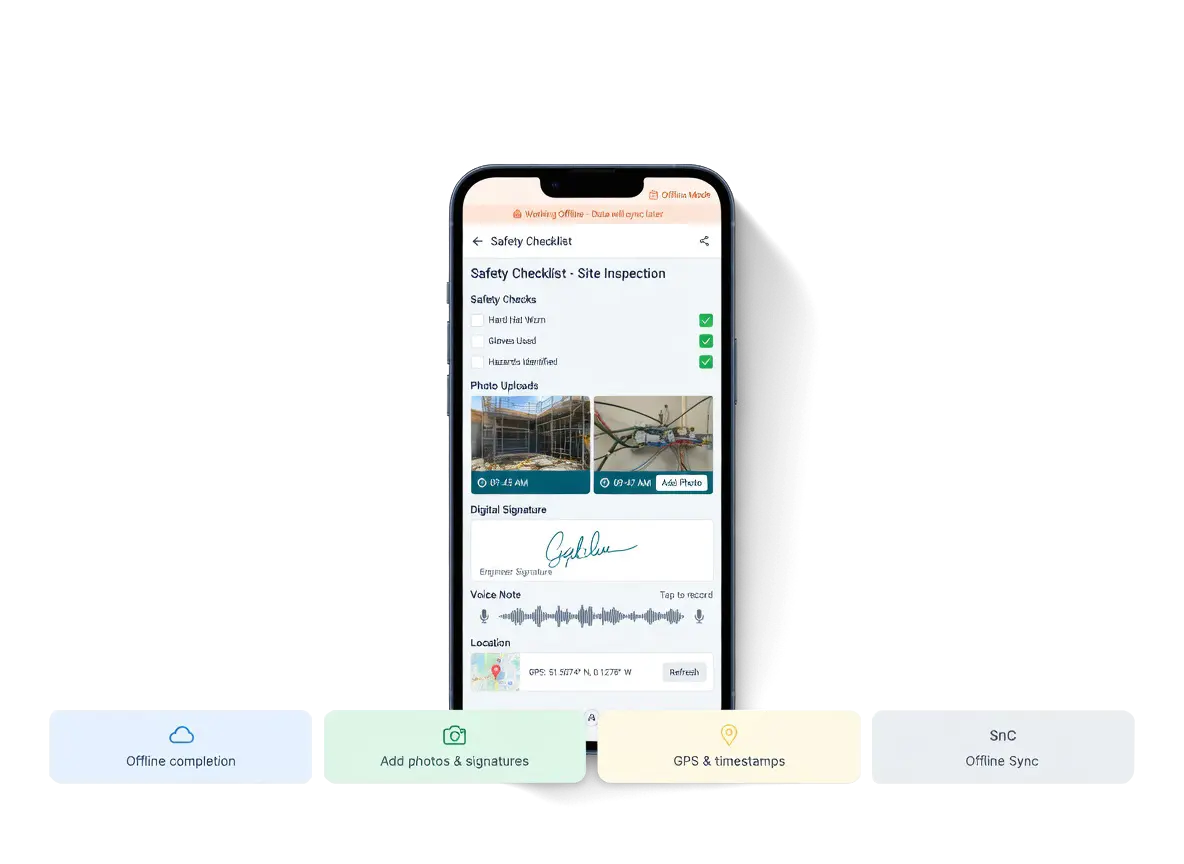
Finish the form with no signal. It syncs when the engineer is back in range.
Smart Fields That Adapt on the Go
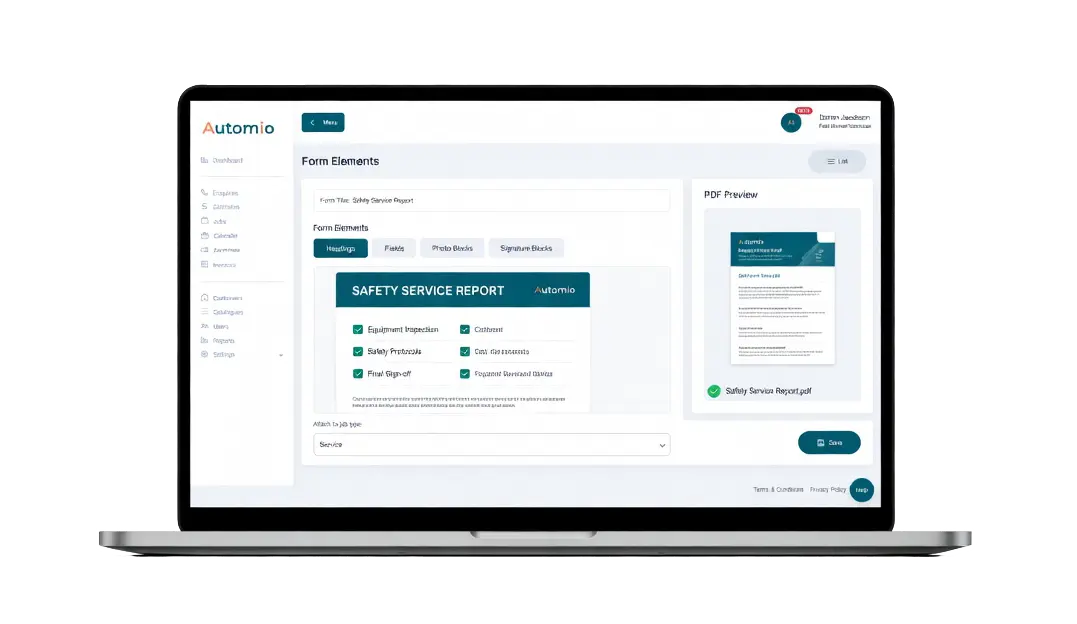
Build digital forms with conditional logic, mandatory fields, calculations and dropdowns. The app shows or hides questions from the answers, so engineers only see what that job needs.
Forms can be customised and branded so completed documents look professional when they go to a customer or sit on the job record.
Offline Completion and Instant Sync
Complete the form in a basement or a poor-signal site. Nothing is left waiting on a clipboard. When signal returns, the form is on the job for the office.
That keeps the record complete without forcing engineers to wait for a connection before they can finish.
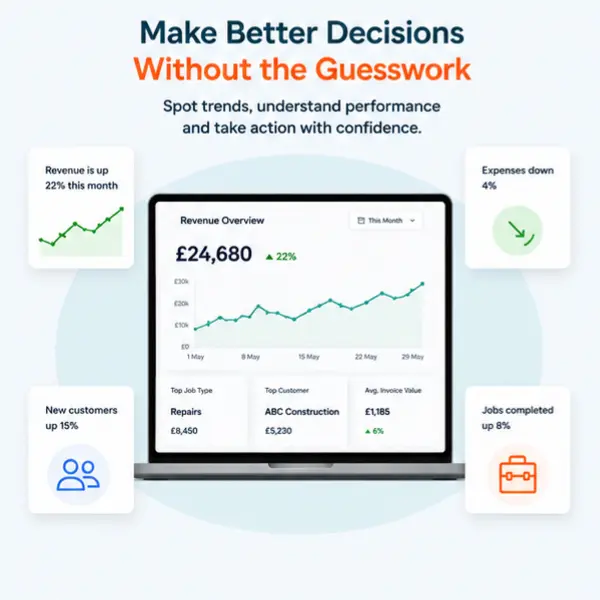
Linked to Jobs and Reporting
Every digital form completed in the app is linked to the correct job. Data can flow into job sheets, costing, Xero or QuickBooks, and dashboard reporting, instead of being retyped later.
Benefits To Using Automio In Your Trades Business.
Win More Work
Responding quickly and professionally helps you stand out and secure more jobs.
Stay Organised
No more missed messages or forgotten follow-ups. Everything is tracked and easy to manage.
Save Time
Automated tools and templates cut down on admin so you can focus on the job.
Look Professional
Customers get fast, clear communication that builds trust and confidence in your service.