Customer Portal
Give Customers Secure Access to Their Jobs.
- Customers view job status anytime
- Share digital job sheets and photos
- Show invoices in the same place
- Build trust through clear visibility
The Customer Portal gives clients a secure place to check their jobs, documents and updates, instead of calling the office for every status question.
- Easy to set up and manage.
- Built for trades and services.
- No card required. Cancel anytime.
Self-Service Job Visibility
Customers can log in to see the status of their jobs, whether scheduled, in progress or complete, without waiting on a phone call.
That transparency cuts inbound “where are we?” calls and makes the business easier to deal with. Clients get answers when it suits them, and the office spends less time repeating the same updates.
The Customer Portal sits alongside the wider job record, so what the customer sees matches what your team is working from.
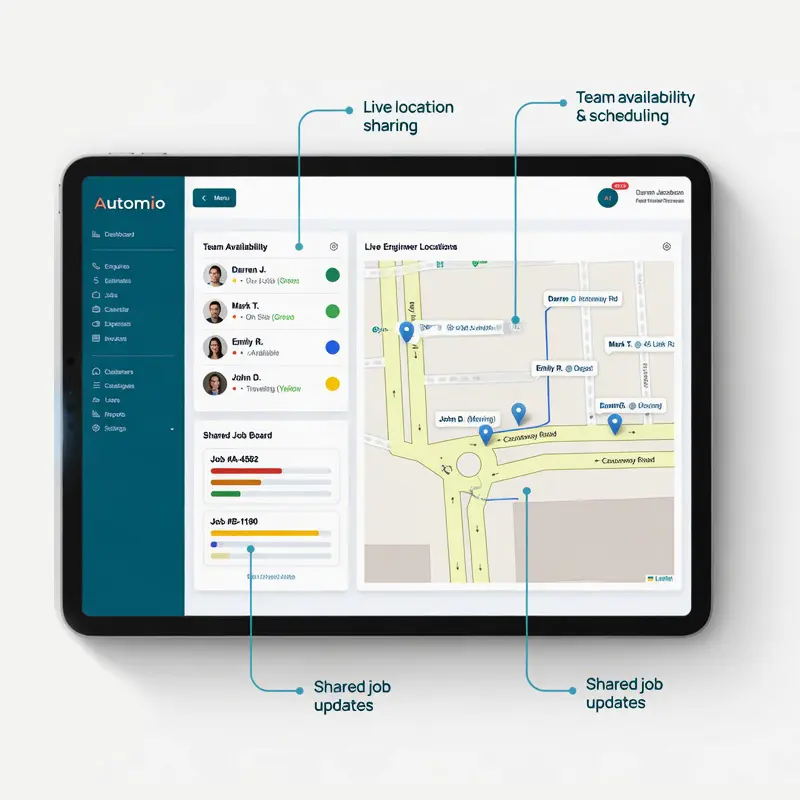
What the Customer Portal Covers
A simple way for clients to access jobs, documents and billing in one secure place.
Job Status
Clients check progress themselves instead of calling the office for every update.
Sheets and Photos
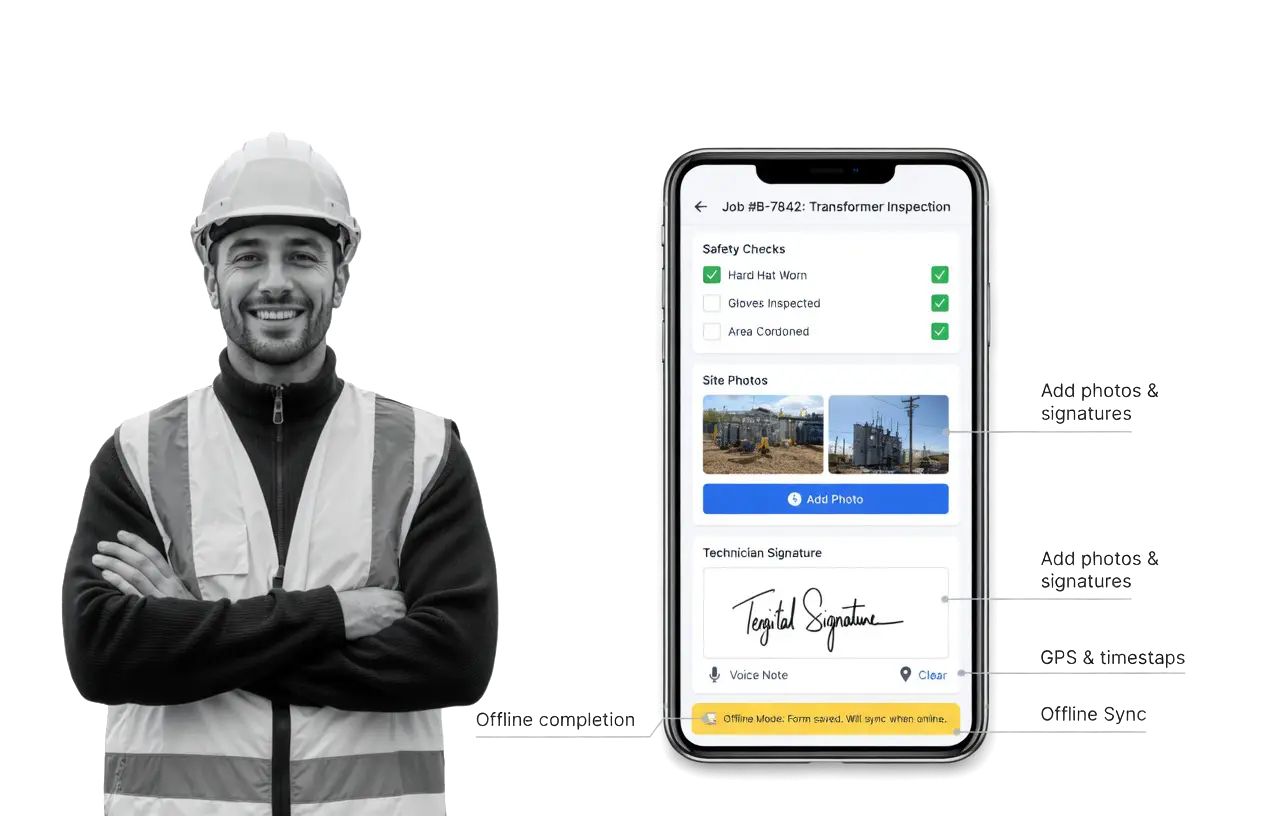
Completed job sheets and proof of work sit where the customer can open them.
Share Documents and Proof of Work
Customers can view and download completed job sheets, photos, signed documents and reports from the portal. That is useful for maintenance contracts, insurance work or larger projects where they want the record to hand.
Quotes and estimates can also be shared through the portal, so clients can review them without digging through email attachments.
Invoices and Payments in One Place
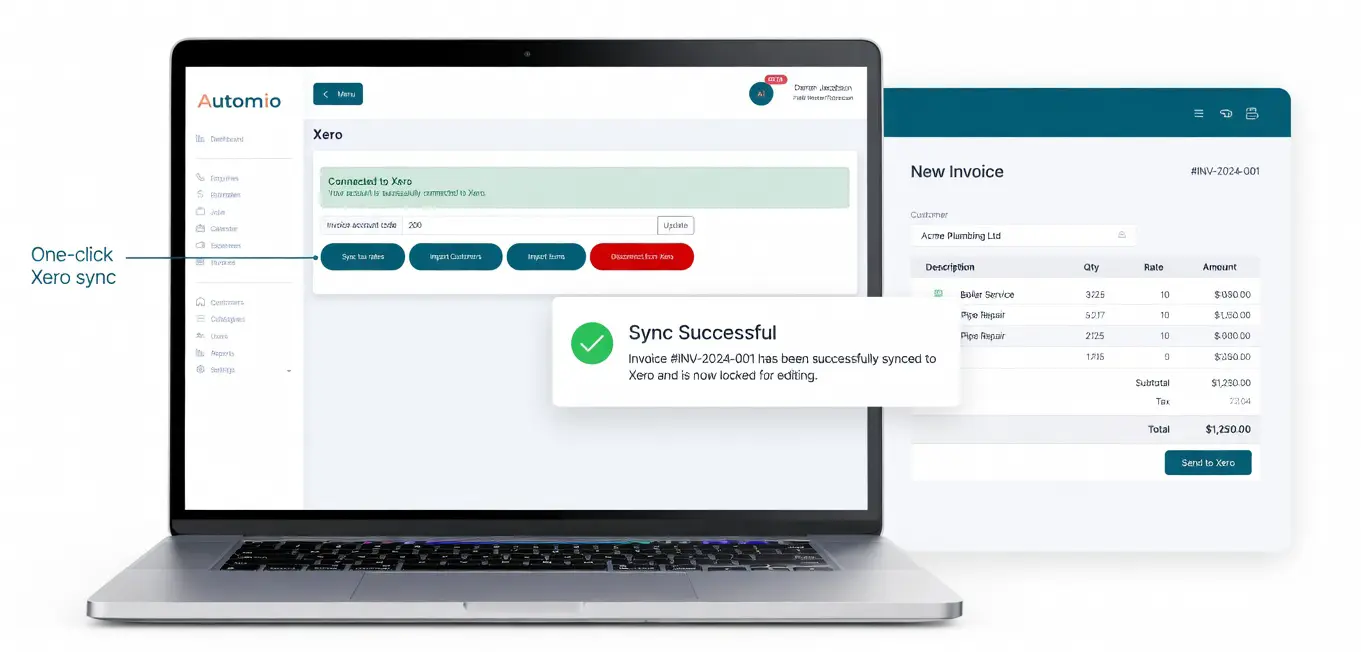
Keep invoices with the job the customer already logged in to see. Less hunting through email threads, and a clearer link between the work done and the bill.
When billing sits next to status and documents, clients have fewer reasons to call just to ask for a copy of something you have already issued.
Stronger Customer Relationships
Customers feel more in control when they can see the work themselves. That is a simple way to stand out from businesses that still run every update by phone.
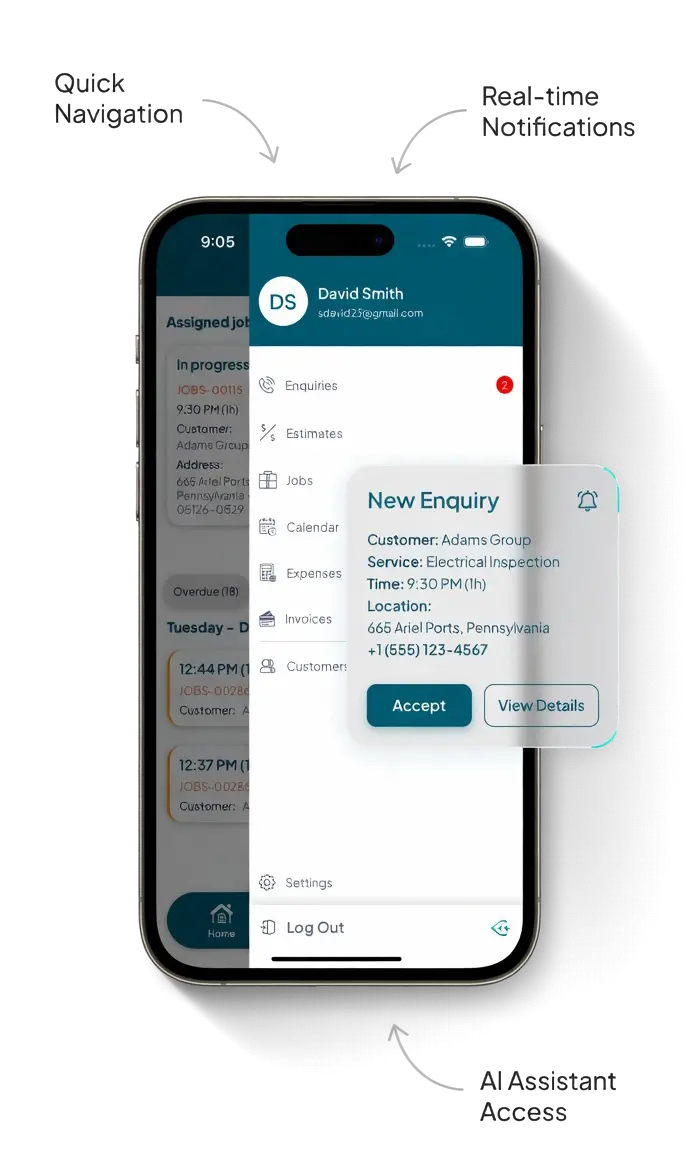
Pair the portal with automatic updates so clients get both self-service access and timely notifications when something changes.
Part of the Wider Service Workflow
The Customer Portal works best when job status, documents and billing come from the same system your team already uses. Automio keeps those pieces connected so the client view matches the office view.
Fewer repeated questions. Clearer expectations. Less time spent chasing paper or email copies.
Benefits To Using Automio In Your Trades Business.
Win More Work
Responding quickly and professionally helps you stand out and secure more jobs.
Stay Organised
No more missed messages or forgotten follow-ups. Everything is tracked and easy to manage.
Save Time
Automated tools and templates cut down on admin so you can focus on the job.
Look Professional
Customers get fast, clear communication that builds trust and confidence in your service.