Customer Alerts
Keep Customers Informed Automatically.
- Send automatic job status updates
- Notify customers when work is booked
- Alert them when the job is complete
- Cut “when are you coming?” calls
Customer alerts keep people informed about their job without a pile of status calls. Updates go out at the points you choose, so the office is not typing the same message all day.
- Easy to set up and manage.
- Built for trades and services.
- No card required. Cancel anytime.
Automatic Job Status Notifications
Customer alerts send clear updates at the moments that matter: when a job is scheduled, when status changes, and when the work is complete.
Customers hear the news from the system instead of waiting for someone in the office to remember to call. That cuts inbound calls asking for updates and keeps the experience calmer for everyone.
The office stays in control of the message. The system does the sending.
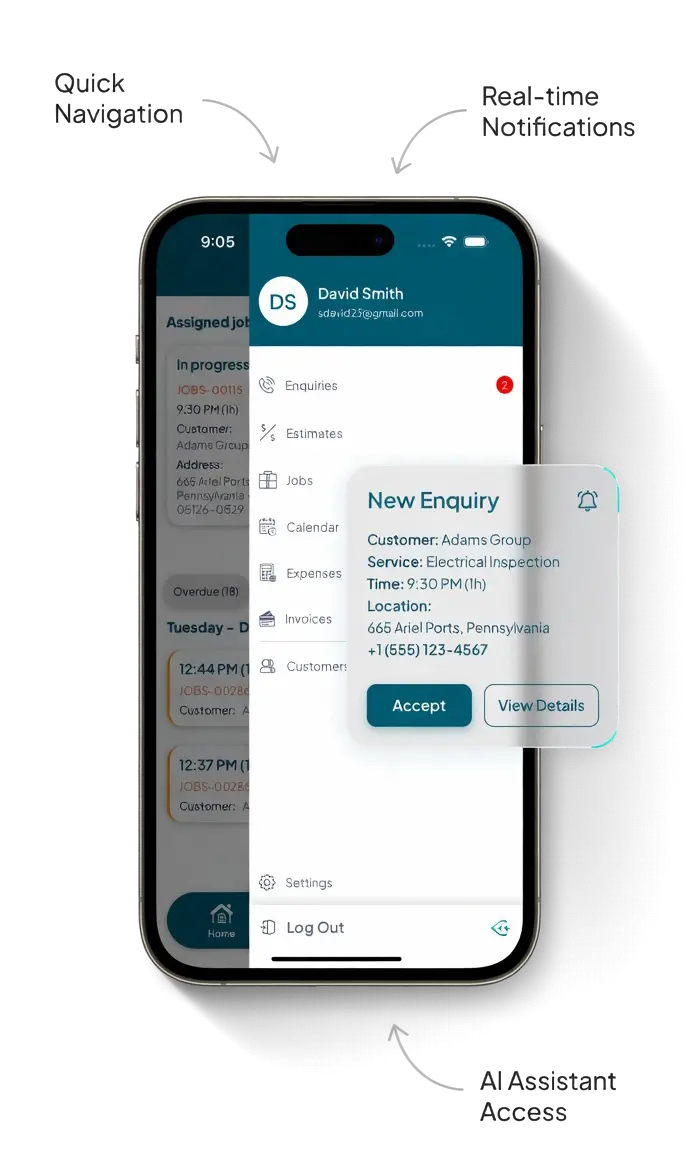
What Customer Alerts Cover
Practical notifications that keep customers informed without extra admin for the team.
Job Status Updates
Customers hear about the job from the system, not only when someone in the office remembers to call.
Email Notifications
Alerts go out by email. Templates and tone stay under your control.
Completion Notice
Let the customer know when the visit is done so the job does not go quiet at the end.
Job Completion and Follow-Up
When the engineer marks the job complete, the customer can get that update straight away. Follow-up communication stays on the same record as the rest of the job.
That means fewer “is it finished?” calls and a clearer close to the visit, especially on longer or multi-stage work.
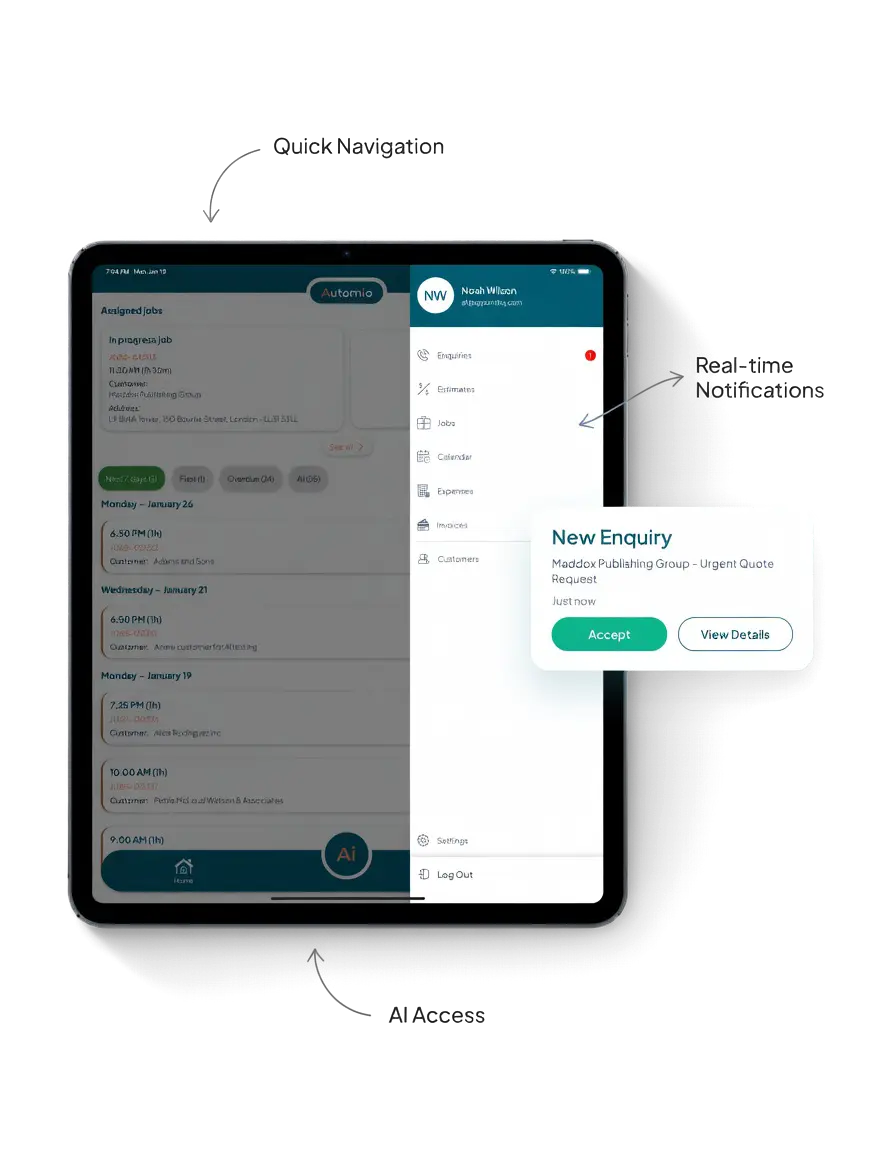
Choose Which Alerts to Send
Not every status change needs a message. Choose which alerts go out and tailor the wording so it matches how your business talks to customers.
You stay in control of the content. The system handles the sending, so the office is not typing the same update dozens of times a day.
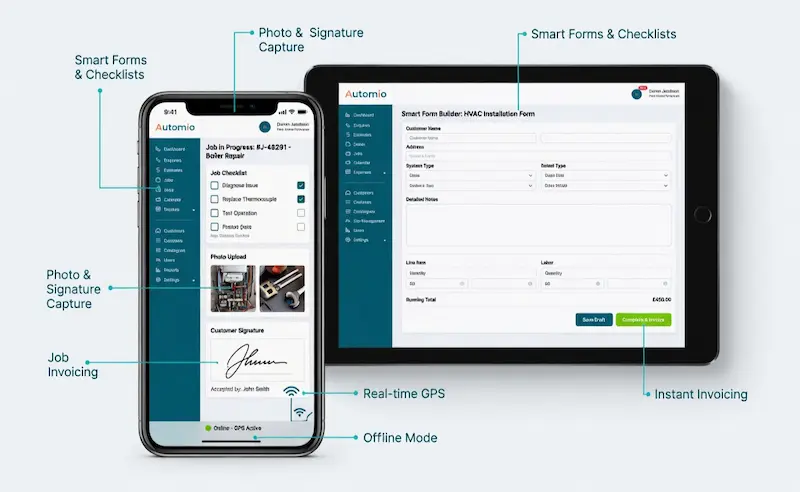
Fewer Calls, Clearer Expectations
When customers know a job is booked, in progress or complete, they are less likely to chase the office for news. That frees the team to focus on the work instead of answering the same questions.
Customer alerts sit alongside the wider job record, so status updates and conversation history stay connected rather than living in separate inboxes.
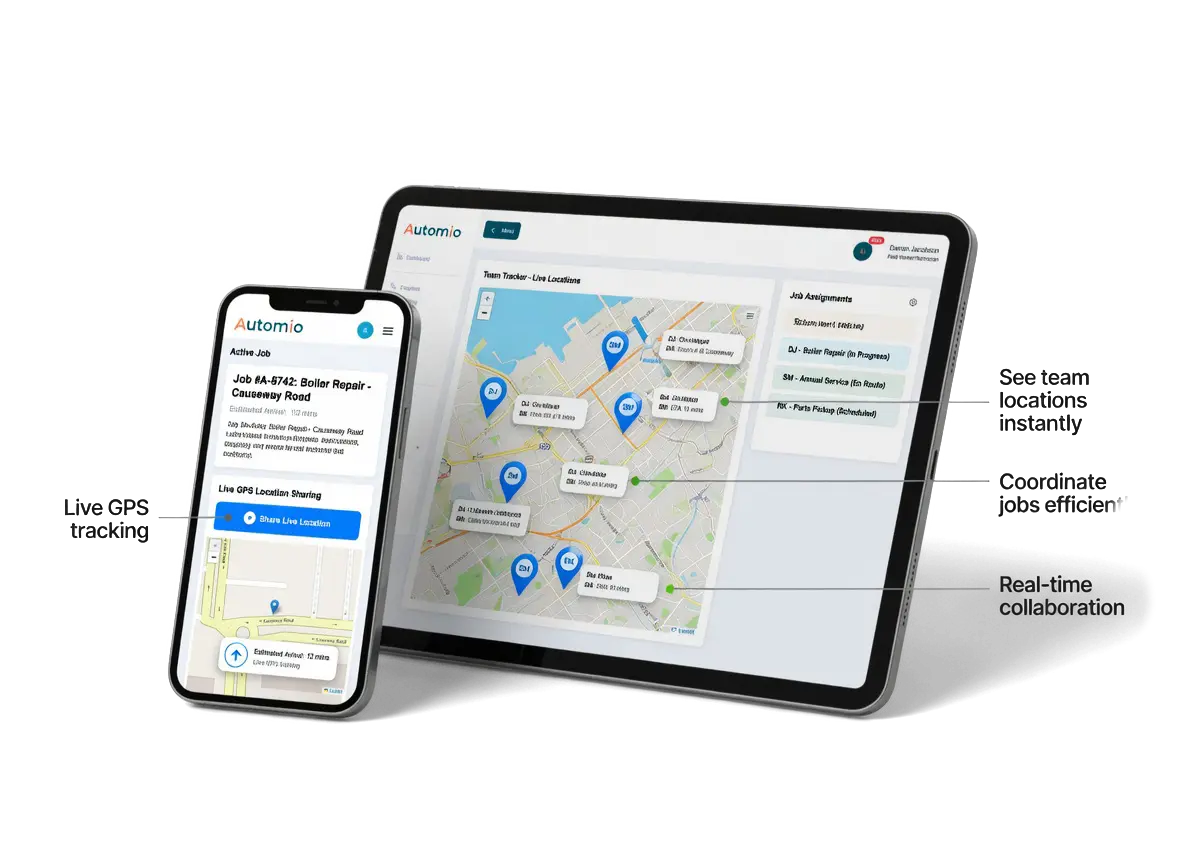
Benefits To Using Automio In Your Trades Business.
Win More Work
Responding quickly and professionally helps you stand out and secure more jobs.
Stay Organised
No more missed messages or forgotten follow-ups. Everything is tracked and easy to manage.
Save Time
Automated tools and templates cut down on admin so you can focus on the job.
Look Professional
Customers get fast, clear communication that builds trust and confidence in your service.