Job Management System for Office and Admin
The Job Management System Your Office Needs.
Dashboards, drag-and-drop scheduling, enquiries, estimates, invoicing and customer records in one place. Built for owners, office staff and managers, with a field app that keeps technicians in sync.
Trusted by office teams who manage thousands of jobs monthly.
Available on iOS and Android.
- SOC 2 and GDPR compliant
- Multi-factor authentication
- Real-time sync with the field app
Everything Your Admin Team Needs in One System
No more juggling spreadsheets, inboxes and phone notes. One office dashboard for the work that keeps the business moving.
Command Dashboard
A live overview of jobs, pipeline and bottlenecks, so owners and office staff can see the day at a glance.
- Live job stage counts
- Business insights
- Overdue job alerts
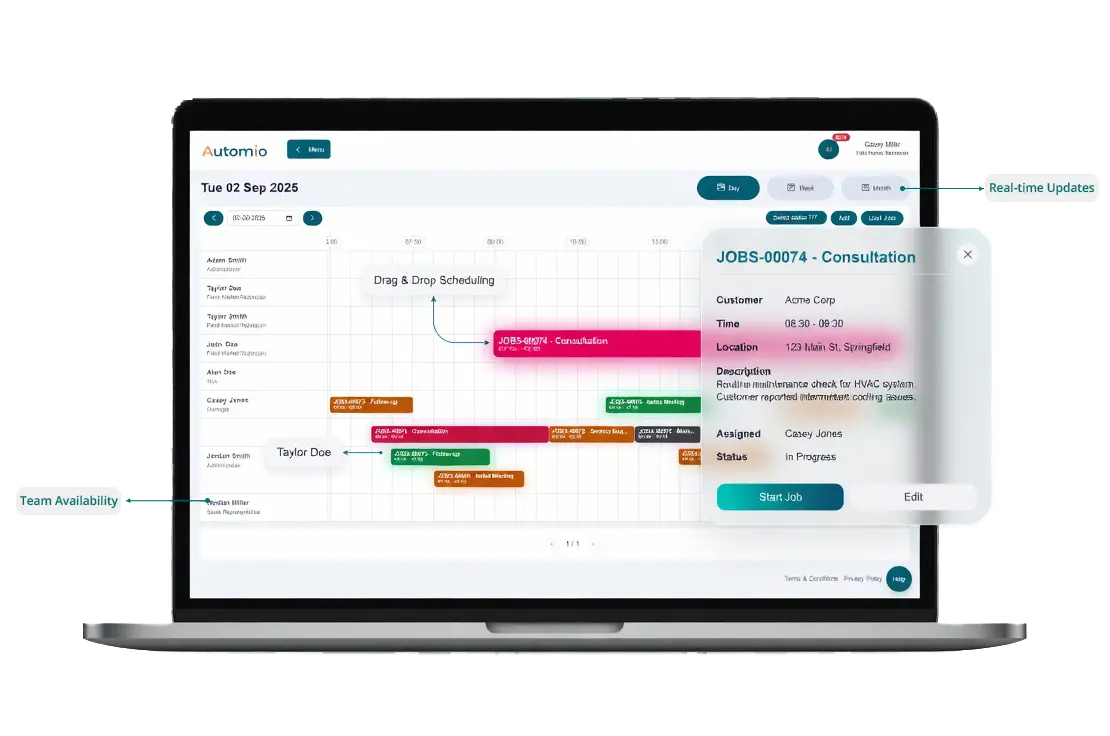
Drag-and-Drop Scheduling
Plan the week on a clear calendar, assign work quickly and adjust when the day changes.
- Drag-and-drop assignment
- Real-time updates
- Availability-aware planning
Customer Records and History
Customer details, job history, notes and communication in one record, so the team is not starting from scratch.
- Full customer view
- Estimate to job in one flow
- Clear follow-up context
Invoicing and Accounting Sync
Create invoices from completed work and keep the books aligned with QuickBooks or Xero.
- Invoice from the job
- QuickBooks sync
- Xero sync
Team and Permissions
Staff profiles, availability and role-based access so the right people see the right work.
- Team profiles
- Availability planning
- Role-based permissions
Inventory and Parts
Track stock levels, parts used on jobs and purchase orders so material costs stay visible.
- Low-stock visibility
- Parts against the job
- Purchase order links
Your Operation at a Glance
Customisable dashboards with live data from the office system and status updates from the field app. See what is happening before it becomes a problem.
Financial Snapshot
Daily revenue, outstanding invoices, average job value and clearer margin visibility as work completes.
Alerts and Notifications
Overdue jobs, delays and important updates in one place, so the office can act quickly.
Field Status Updates
See when engineers are on route, on site or finished, based on status updates from the mobile app.
Scheduling That Keeps the Day Under Control
Drag jobs onto technicians, adjust when plans change, and keep the board clear for the whole team. The office can plan the week without double-booking or losing track of what is already out.
Recurring work, one-off call-outs and follow-up visits can sit in the same schedule, so owners and dispatchers are not working from separate lists.
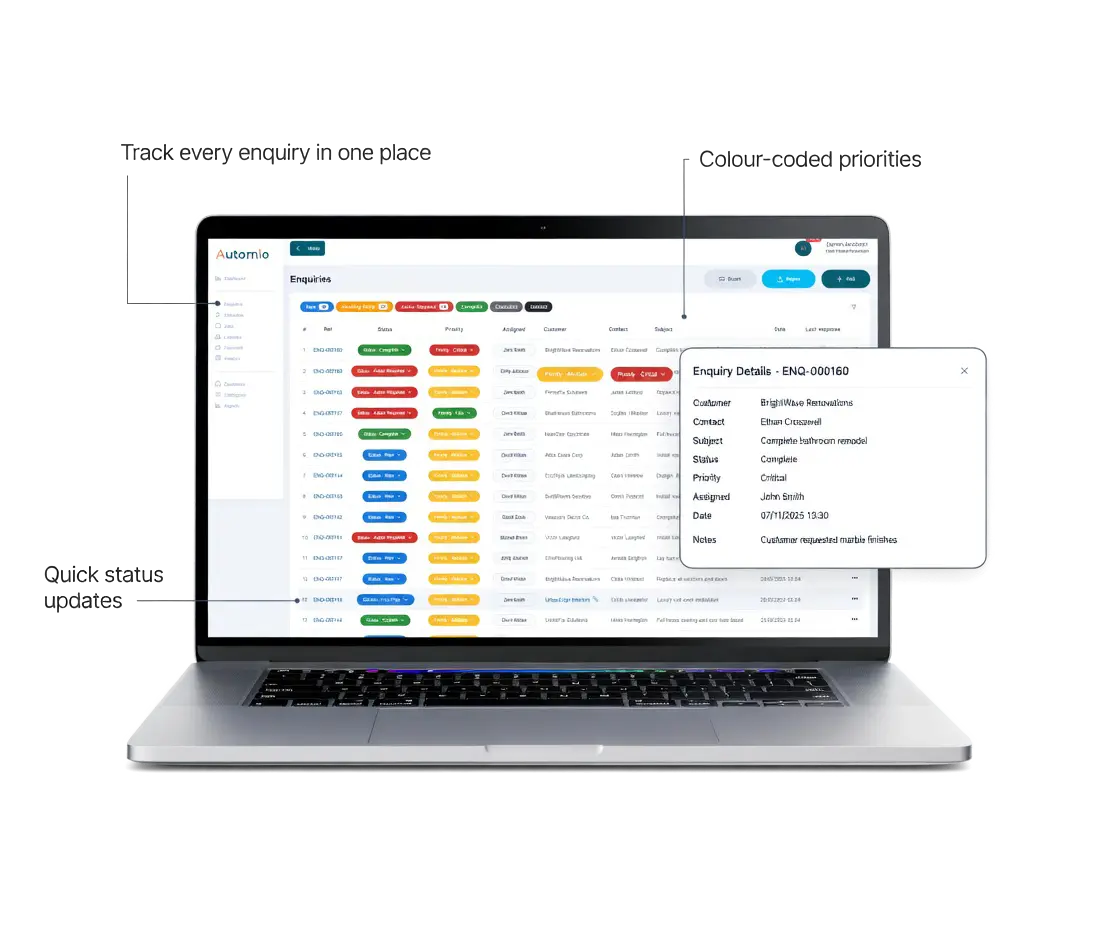
Enquiry Management for Faster Responses
New leads often arrive by phone, email or web form. Enquiry management brings them into one place so the office can reply quickly and turn interest into booked work.
That means fewer missed messages, clearer follow-ups and a more professional first impression. Field teams also benefit when the job starts with the right notes already attached.
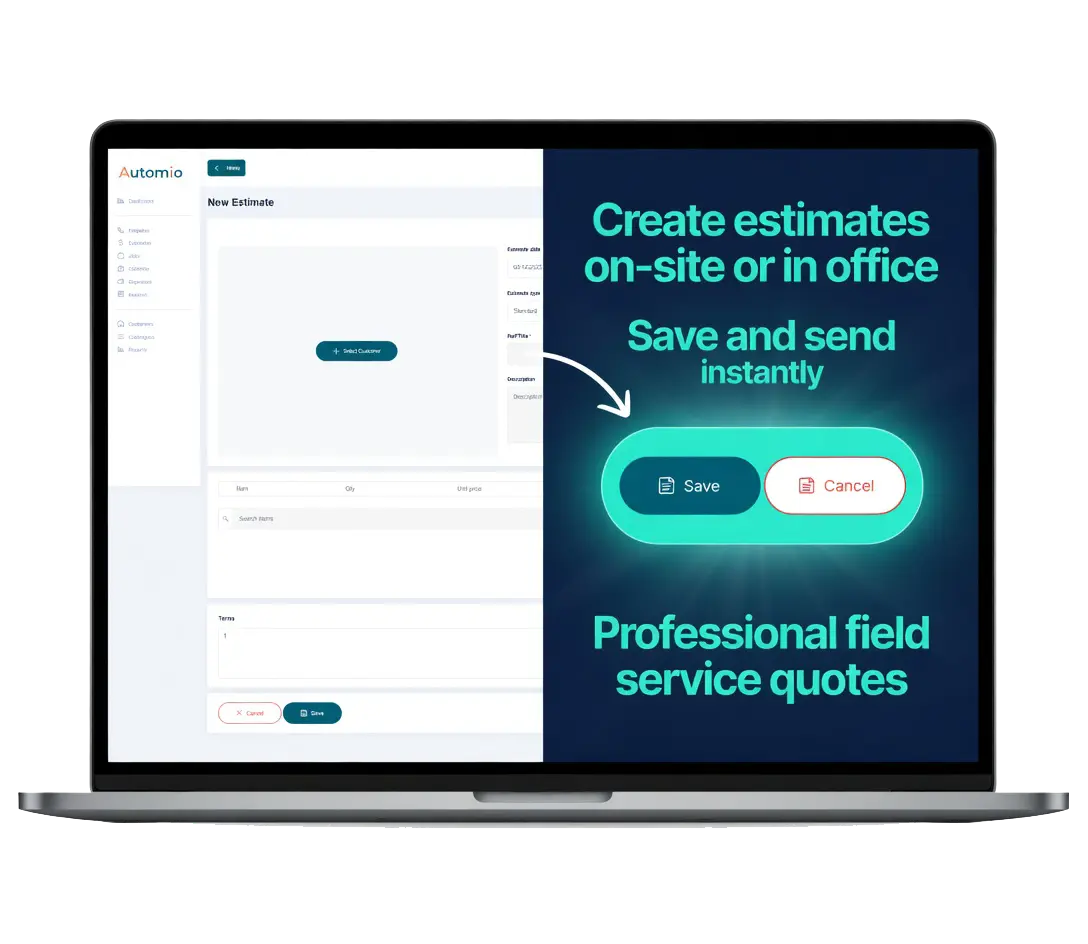
Estimates from the Office or on Site
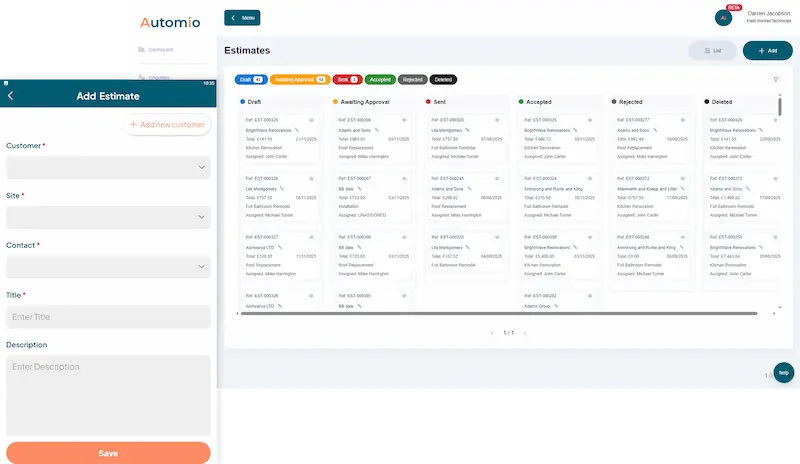
Build clear estimates with labour, materials and job details, then send them without the usual back and forth. The office can prepare quotes at the desk, and field teams can support the same process when they are with the customer.
When estimates sit on the same record as the enquiry and job, follow-up is simpler and the pipeline is easier to manage.
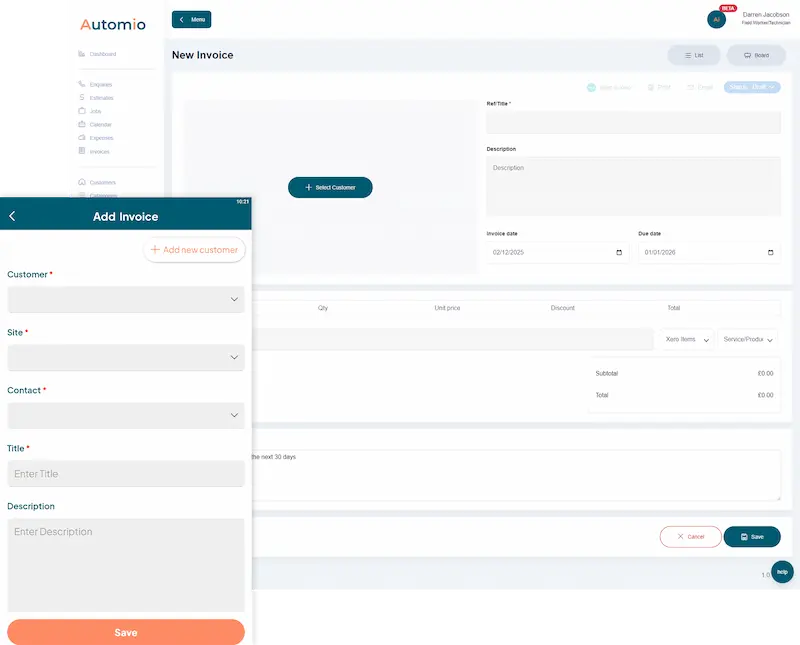
Invoicing Linked to the Job
Create and send professional invoices once the work is done, using the details already on the job. That cuts delays, reduces paperwork mistakes and helps the office stay on top of who has paid.
Owners get a clearer view of cash flow. Office staff spend less time retyping. Technicians are not left carrying paper invoices around in the van.
Accounting Integrations with Xero and QuickBooks
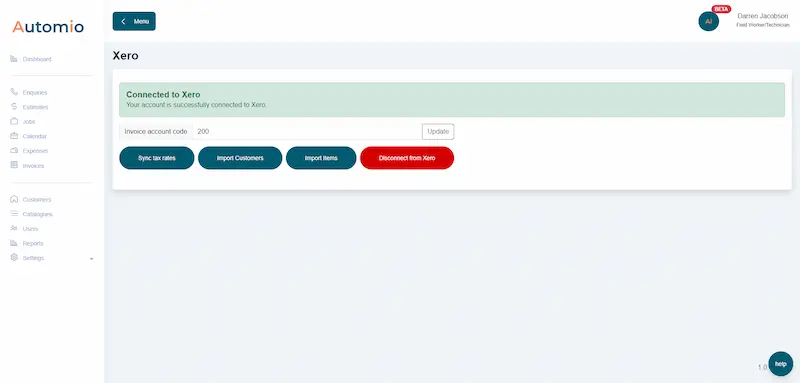
Finish the job, raise the invoice, and keep accounts in step without copying line items between systems. Automio connects with Xero and QuickBooks so office teams can reduce double entry and keep financial records cleaner.
That is especially useful for owners who want the operational system and the accounts system to talk to each other without extra admin.
Office and Field on the Same Job
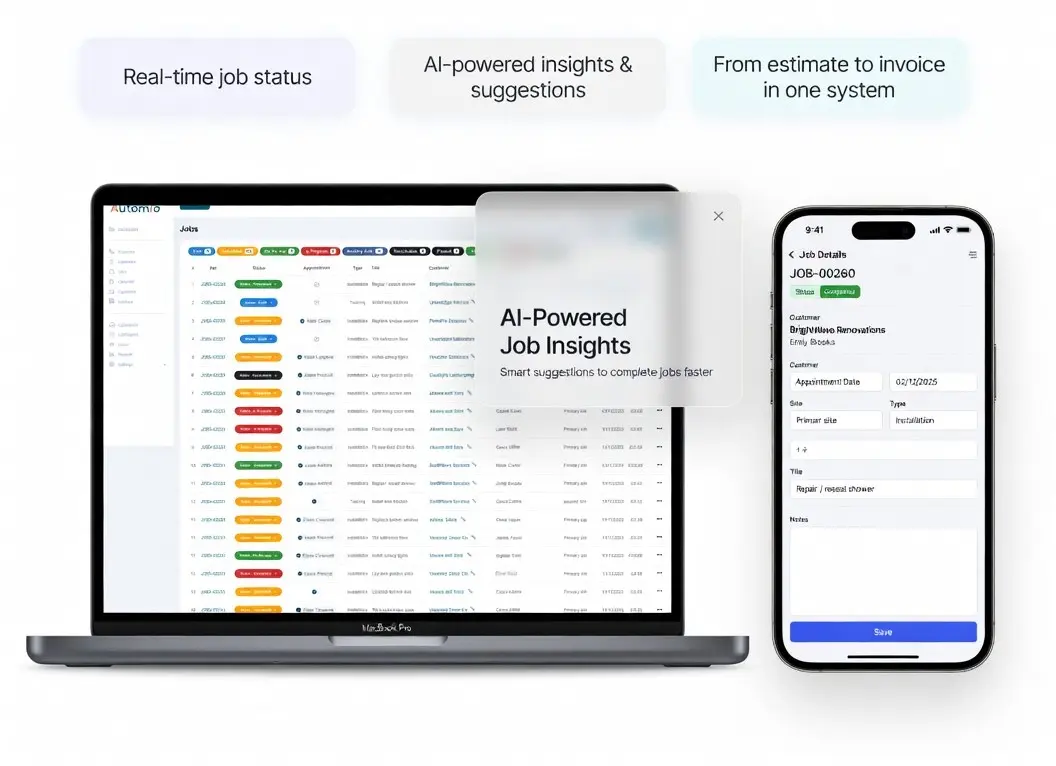
The office system is only half the picture. Automio also includes a separate field app, so technicians can update jobs, complete sheets and share status while they are out on site.
Owners and office staff see progress without constant calls. Technicians stay focused on the work, with the next instruction already on their phone.
Fast Setup, Built to Stay Simple
Automio is designed to be lightweight and user-friendly. You can get started quickly, without a long training programme or a complicated rollout.
Log in, set up your team and jobs, and begin using the office dashboard with the field app. Security options such as multi-factor authentication are there when you need them.
Explore More Office Features
Go deeper into the tools your admin team will use every day.
Drag-and-Drop Board
Move work through stages on a clear board the whole office can follow.
Job Costing
See labour, materials and other costs against each job as work progresses.
Smart Forms
Capture structured job information and keep completed forms on the record.
Customer Communication
Keep emails and messages connected to the customer and the job.